My web
Deactivate Lender/TSP Relationships

This job aid is for users of the client credential grant API authentication model. It explains how a Technology Service Provider organization Corporate Administrator (TSP CA) may deactivate a Lender/TSP relationship.
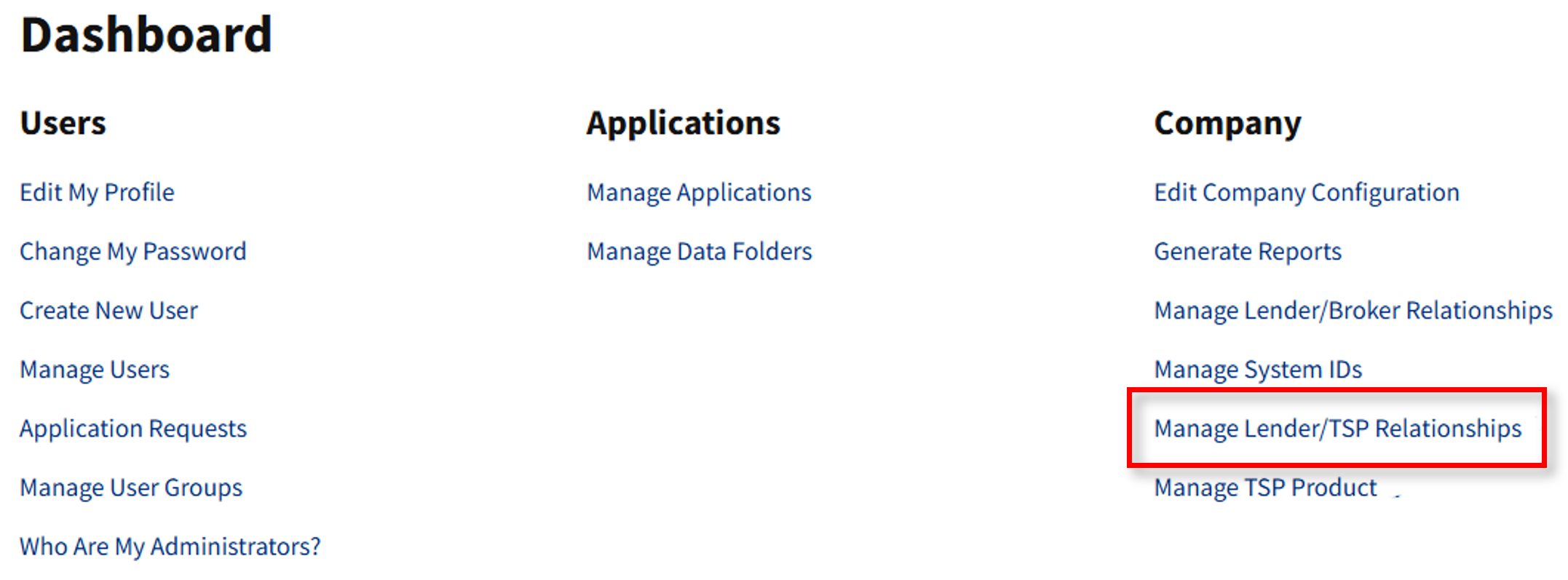
- Go to https://technologymanager.fanniemae.com and log in. Select Manage Lender/TSP Relationships.
- The Manage Lender/TSP Relationships screen appears. Under the Active Relationships tab, select the active relationship that warrants deactivation. Select Deactivate.
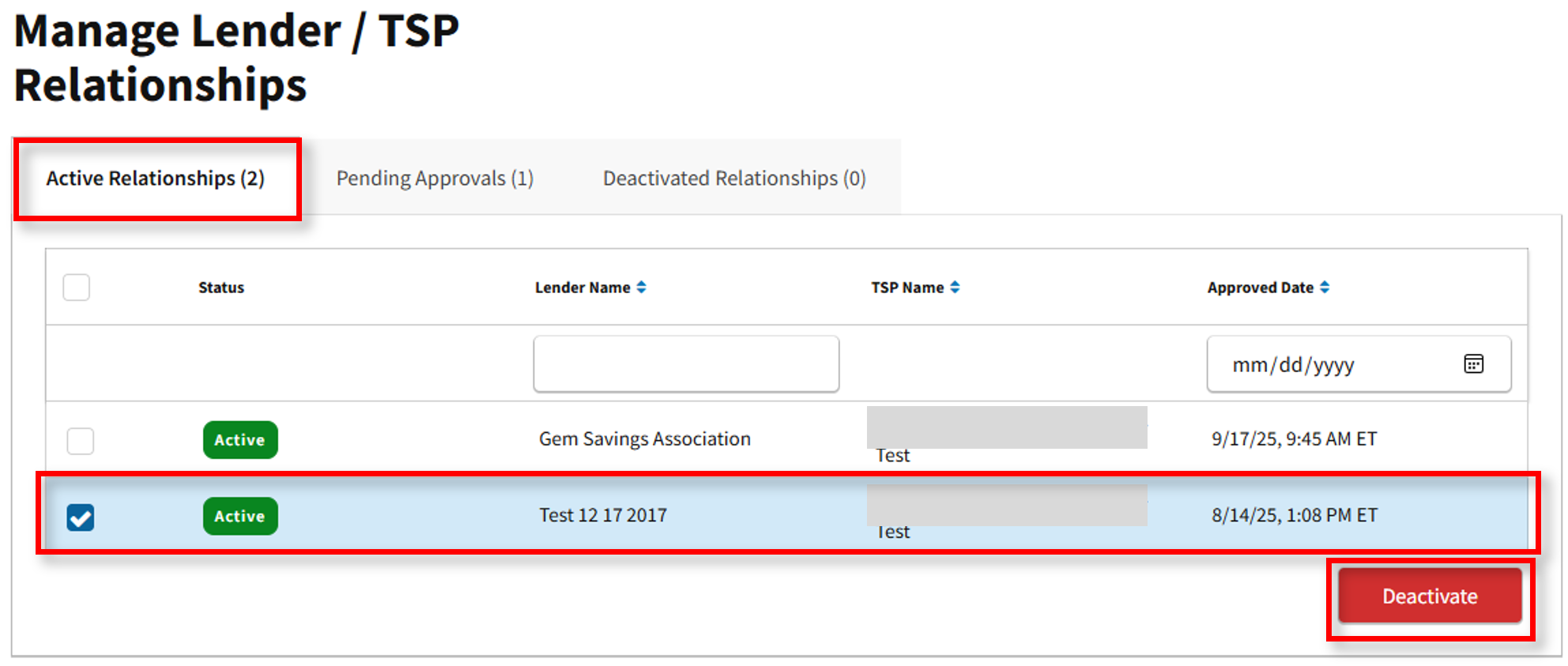
Note: Deactivating a relationship will result in deactivation of the TSP product associated with the TSP along with TSP and lender relationship.
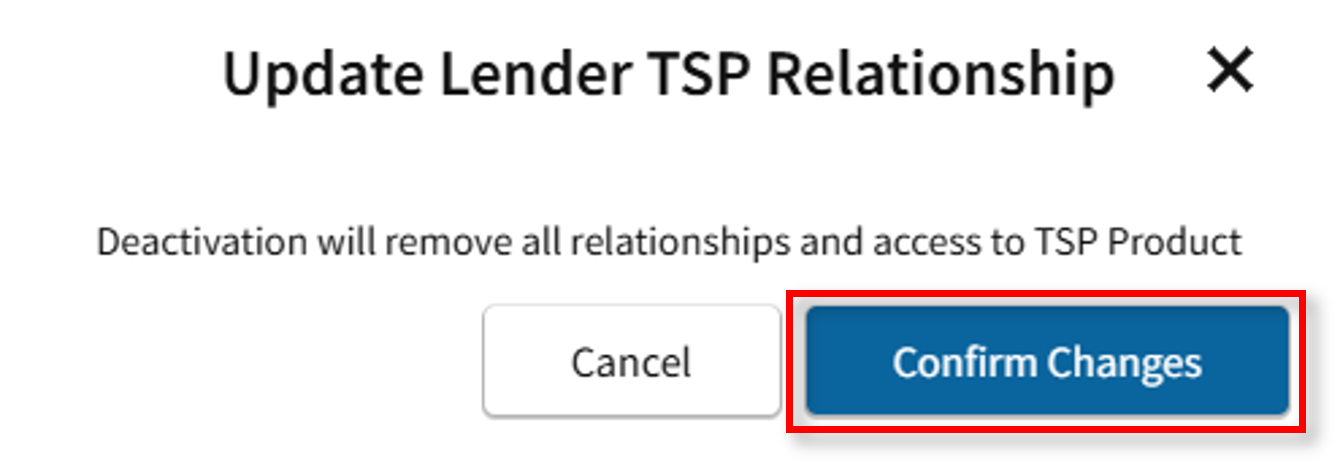
- The Update Lender TSP Relationship confirmation message appears. Ensure the correct TSP relationship has been selected. Select Confirm Changes to proceed with the deactivation.
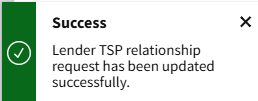
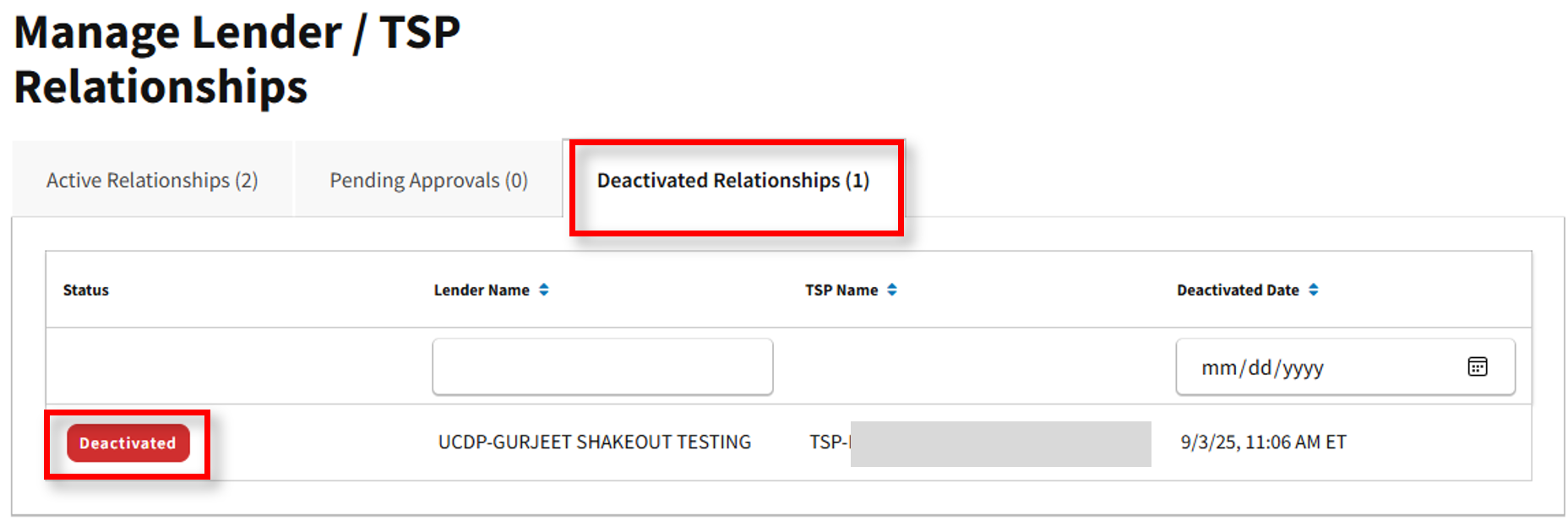
- The Success message will appear. Return to the Manage TSP/Lender Relationships page. Under the Deactivated Relationships tab, the relationship is now reflected as Deactivated.