My web
Pulling a Repurchase Pipeline Report - Manager

Follow these steps to pull a repurchase pipeline report:
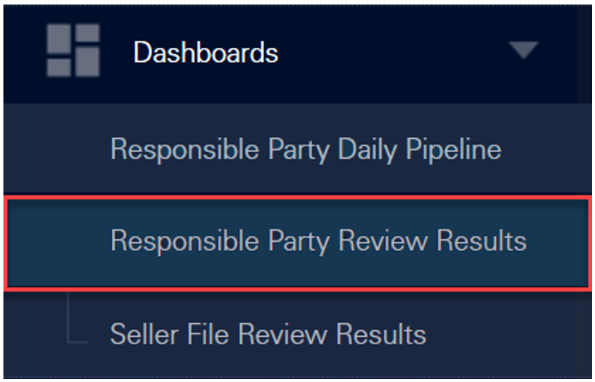
- Click Dashboards and select Responsible Party Review Results.
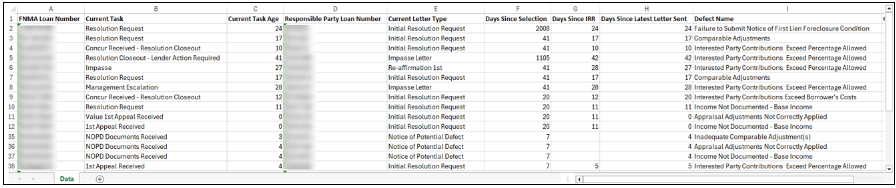
- Under Outstanding Remediation Activity, hover over the Total count to export the data to an Excel spreadsheet and click Export to Excel.
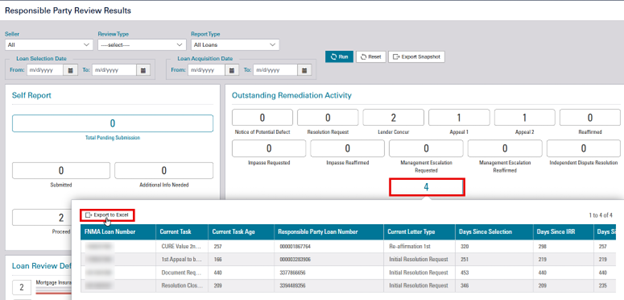
Note: Do not select any options at the top of the page.
A prompt appears giving you the option to Open or Save the Excel spreadsheet. The prompt may look different depending on your browser.
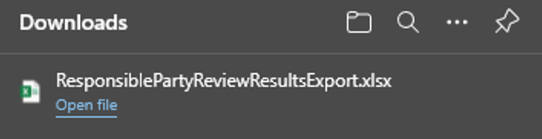
- Sort or filter the columns as needed.
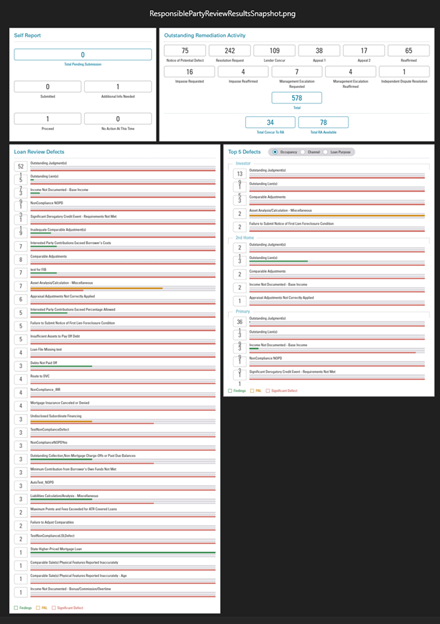
- NEW Click on Export Snapshot to view and export the overall report in the form of a snapshot image.

Snapshot of the overall report will be displayed as an image.